The #1 accessibility research platform

Build digital products
shaped by lived
experience

Connect with a vetted community of people with disabilities to get insights that your current tools will never surface.
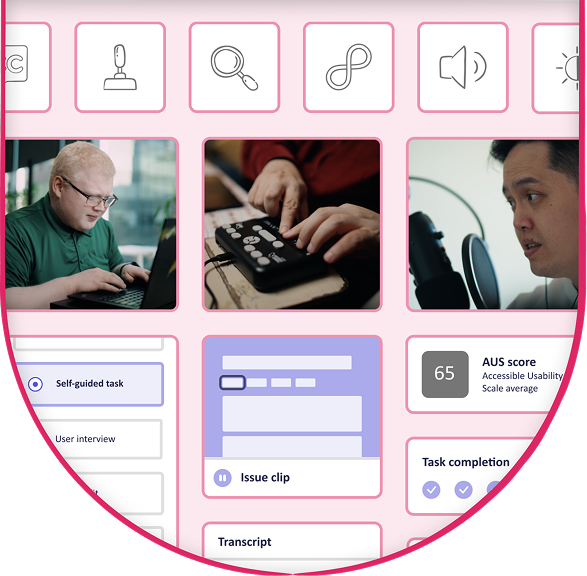
Accessibility research platform dashboard showing assistive technology options, usability metrics, and task results

The #1 accessibility research platform

Build digital products
shaped by lived
experience

Connect with a vetted community of people with disabilities to get insights that your current tools will never surface.
Accessibility research platform dashboard showing assistive technology options, usability metrics, and task results
Forbes 2026 Accessibility 200 logo

One of Forbes’ “biggest innovators and impact-makers in accessibility.”

Forbes 2026 Accessibility 200 logo

One of Forbes’ “biggest innovators and impact-makers in accessibility.”

Trusted by teams that build for everyone

Mozilla logo
Nestle Purina Logo
Salesforce logo
Reddit logo
B&Q logo
Bank of Montreal logo
Lego logo
Shopify logo
Porter Airlines logo
Canada Post logo
Amazon logo
Slack logo
Walmart logo
H-E-B logo
Xero logo
Rakuten Kobo logo
Figma logo
Co-op logo
GM financial logo
SEMRUSH, an Adobe company
Aetna logo
Booking.com logo
Ally financial logo

The compliance, accessibility, and usability gap

Experiences can pass accessibility checks and standards and still create barriers for real users.

These gaps show up where they matter most: when someone tries to complete a checkout, submit a form, or find what they need without getting stuck.

Fable helps teams uncover these barriers with feedback from real users with disabilities.

The compliance, accessibility, and usability gap

Experiences can pass accessibility checks and standards and still create barriers for real users.

These gaps show up where they matter most: when someone tries to complete a checkout, submit a form, or find what they need without getting stuck.

Fable helps teams uncover these barriers with feedback from real users with disabilities.

The only accessibility research platform, powered by people with disabilities

Our platform connects you with people with disabilities to uncover real insights, make better decisions, build accessibility skills, and catch issues before they affect users.
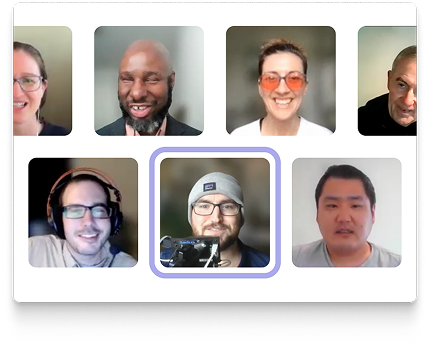
Grid of six Fable community member participant participant, with one participant highlighted by a purple outline.

Engage the community

Access a vetted and experienced community of people with disabilities, matched to your research needs.

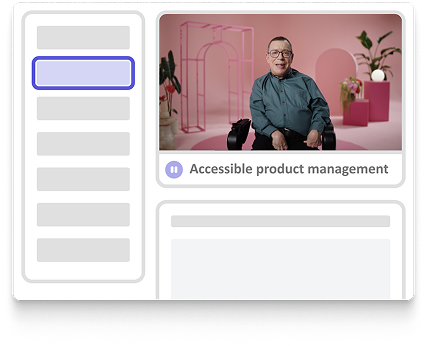
Fable platform interface with a highlighted control button, speaker video thumbnail in the top right, large content area, and playback progress bar along the bottom

Run and manage research

Access a vetted and experienced community of people with disabilities, matched to your research needs.

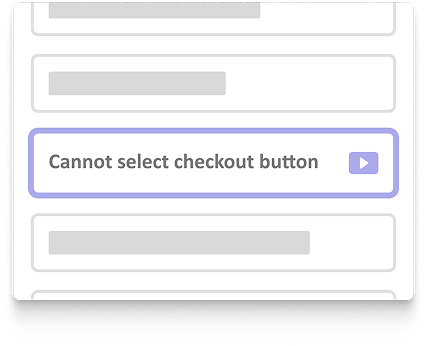
Highlighted issue card labeled “Cannot select checkout button” with a play icon button, displayed within a list of accessibility issue entries

Surface actionable insights

Get clear findings and recommendations teams can act on, whether you’re new to accessibility or deeply experienced.

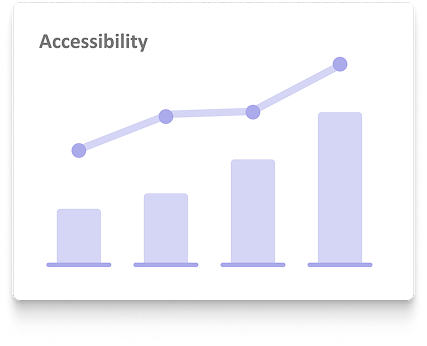
Bar and line chart titled “Accessibility,” showing upward trends across four data points with increasing bar heights and a rising line graph.

Measure Progress

Benchmark with trusted metrics like the Accessible Usability Scale, track improvements and ROI, and know exactly where barriers remain.

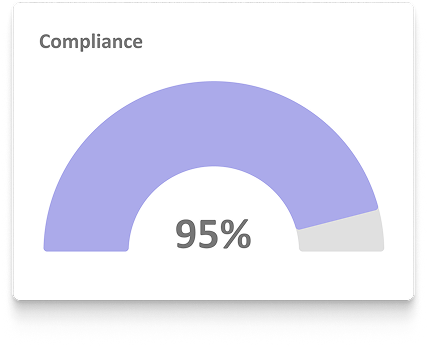
Strengthen compliance

Strengthen compliance with VPATs, real user feedback, and insights beyond automated testing.

Build accessibility capability

Grow team knowledge with practical hands-on training from accessibility experts with lived experience.

The only accessibility research platform, powered by people with disabilities

Our platform connects you with people with disabilities to uncover real insights, make better decisions, build accessibility skills, and catch issues before they affect users.
Fable platform interface with a highlighted control button, speaker video thumbnail in the top right, large content area, and playback progress bar along the bottom

Engage the community

Access a vetted and experienced community of people with disabilities, matched to your research needs.

Run and manage research

Access a vetted and experienced community of people with disabilities, matched to your research needs.

Surface actionable insights

Get clear findings and recommendations teams can act on, whether you’re new to accessibility or deeply experienced.

Measure Progress

Benchmark with trusted metrics like the Accessible Usability Scale, track improvements and ROI, and know exactly where barriers remain.

Strengthen compliance

Strengthen compliance with VPATs, real user feedback, and insights beyond automated testing.

Build accessibility capability

Grow team knowledge with practical hands-on training from accessibility experts with lived experience.

Bring lived experiences into every stage of product development

Fable fits into every stage of product development, from early concepts to post-launch improvements, so accessibility becomes part of how your team builds, not a checkbox at the end.

  • 1

    Explore early ideas

    Surface needs and barriers before you build

  • 2

    Validate designs and prototypes

    Ensure what you’re creating works for real users.

  • 3

    Develop and build

    Use real user insight to guide decisions and reduce rework.

  • 4

    Evaluate experiences

    Understand how your product works across assistive technologies and user needs.

  • 5

    Improve and iterate

    Prioritize issues and validate that fixes work.

  • 6

    Maintain and scale

    Track progress and catch regressions over time.
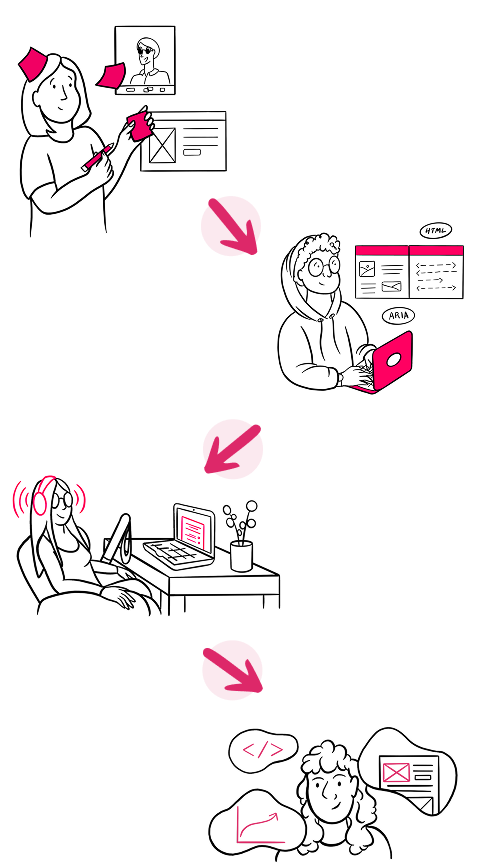
Bring lived experiences into every stage of product development

Fable fits into every stage of product development, from early concepts to post-launch improvements, so accessibility becomes part of how your team builds, not a checkbox at the end.
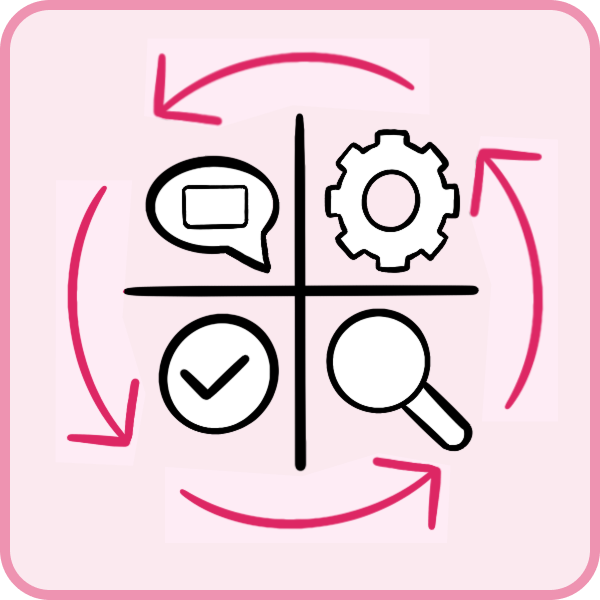
Icon showing a four-quadrant grid containing a speech bubble, gear, checkmark, and magnifying glass, surrounded by circular arrows indicating an iterative process.
  • 1

    Explore early ideas

    Surface needs and barriers before you build

  • 2

    Validate designs and prototypes

    Ensure what you’re creating works for real users.

  • 3

    Develop and build

    Use real user insight to guide decisions and reduce rework.

  • 4

    Evaluate experiences

    Understand how your product works across assistive technologies and user needs.

  • 5

    Improve and iterate

    Prioritize issues and validate that fixes work.

  • 6

    Maintain and scale

    Track progress and catch regressions over time.

A trusted community that brings real experience into product decisions

Fable’s global community of trained and experienced users with disabilities brings real-world insight from assistive technology, accommodations, and lived experience into product decisions.

Meet Fable’s trusted tester Community

26,000+ sessions

of accessibility research completed

Man wearing dark sunglasses and an orange shirt, standing against a light background and looking at a screen

40+ configurations

of assistive technology and accommodations

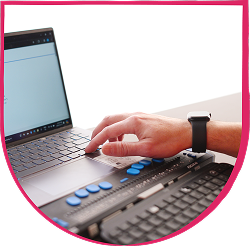
Hand using a braille display connected to a laptop keyboard

100%

of testers trained and fairly compensated

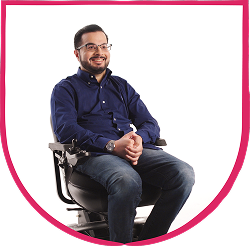
Man seated in a powered wheelchair, smiling with hands clasped

4.9 average rating

for customer quality feedback on a five-point scale

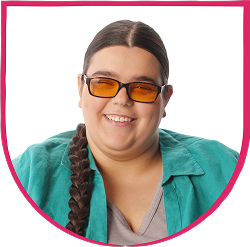
Woman with braided hair wearing tinted glasses and a teal shirt, smiling at the camera

A trusted community that brings real experience into product decisions

Fable’s global community of trained and experienced users with disabilities brings real-world insight from assistive technology, accommodations, and lived experience into product decisions.

Meet Fable’s trusted tester Community

26,000+ sessions

of accessibility research completed

40+ configurations

of assistive technology and accommodations
100%

of testers trained and fairly compensated
4.9 average rating

for customer quality feedback on a five-point scale
Hand using a braille display connected to a laptop keyboard
Woman with braided hair wearing tinted glasses and a teal shirt, smiling at the camera

Accessibility isn’t just great for users, it’s good for business
Reach more customers and drive adoption

Remove accessibility barriers that prevent people with disabilities from adopting and using your product.

Icon of a rising line graph with a pink zigzag line trending upward and ending in an arrow, indicating growth or improvement

Deepen trust in your brand

Show customers your team is committed to accessible, usable experiences, not just compliance.

Handshake icon

Reduce costly rework

Fix accessibility issues earlier, before they become expensive engineering and design problems.

cycle icon

Build better products for everyone

Uncover unmet needs and usability barriers to make more informed product decisions.

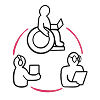
Circular workflow diagram showing three people connected by arrows: a wheelchair user using a laptop at the top, a person holding a smartphone at the lower left, and a person using a hearing device at the lower right, indicating an inclusive collaborative or communication process.

Strengthen compliance and reduce risk

Support accessibility compliance with real user validation and uncover barriers automated testing can miss.

Round icon with a pink checkmark

Accessibility isn’t just great for users, it’s good for business

Reach more customers and drive adoption

Remove accessibility barriers that prevent people with disabilities from adopting and using your product.

Icon of a rising line graph with a pink zigzag line trending upward and ending in an arrow, indicating growth or improvement

Deepen trust in your brand

Show customers your team is committed to accessible, usable experiences, not just compliance.

Handshake icon

Reduce costly rework

Fix accessibility issues earlier, before they become expensive engineering and design problems.

cycle icon

Build better products for everyone

Uncover unmet needs and usability barriers to make more informed product decisions.

Circular workflow diagram showing three people connected by arrows: a wheelchair user using a laptop at the top, a person holding a smartphone at the lower left, and a person using a hearing device at the lower right, indicating an inclusive collaborative or communication process.

Strengthen compliance and reduce risk

Support accessibility compliance with real user validation and uncover barriers automated testing can miss.

Round icon with a pink checkmark

Meet leaders who are driving change with Fable

See how teams are using insights from people with disabilities to influence product strategy, improve customer experiences, and drive meaningful business outcomes.
Explore customer success stories

Speech bubble with three hearts, representing positive feedback or appreciation

Experience

Impact

Trust

Quote icon in pink

Andrew Gosine

Principal Product Designer

“The feedback loop we’ve built through Fable has been crucial. We consider accessibility much earlier in the design process, enabling us to pull accessibility further left. As we’re creating new features, we’re testing with assistive technology users and iterating.”

Headshot of Andrew Gosine, Principal Product Designer at Slack
Salesforce logo
Quote icon in pink

Katie Puskarich

Product Accessibility Enablement

“The partnership we have with Fable has been so valuable for our product teams. It’s having a real impact in the decisions that we’re making. It’s really helping us understand different user needs in a new way.”

Headshot of Katie Puskarich, Senior Manager, Product Accessibility Enablement, Salesforce
B&Q logo
Quote icon in pink

Kasia Pawluk

UX Researcher

“To truly understand the customer’s experience, we run inclusive usability sessions with Fable. They flag not only technical violations, but also blockers like confusing language or too many steps – things that will never be caught in compliance-driven testing.”

Headshot of Kasia Pawluk, UX Researcher at B&Q

Experience

Headshot of Andrew Gosine, Pricipal Product Designer at Slack

Andrew Gosine

Principal Product Designer

“The feedback loop we’ve built through Fable has been crucial. We consider accessibility much earlier in the design process, enabling us to pull accessibility further left. As we’re creating new features, we’re testing with assistive technology users and iterating.”

Impact

Salesforce logo
Headshot of Katie Puskarich, Product Accessibility Enablement at Salesforce

Katie Puskarich

Product Accessibility Enablement

“The partnership we have with Fable has been so valuable for our product teams. It’s having a real impact in the decisions that we’re making. It’s really helping us understand different user needs in a new way.”

Trust

B&Q logo

Kasia Pawluk

UX Researcher

“To truly understand the customer’s experience, we run inclusive usability sessions with Fable. They flag not only technical violations, but also blockers like confusing language or too many steps – things that will never be caught in compliance-driven testing.”

Enterprise-level security

Fable’s enterprise-grade security standards are trusted by leading organizations. ISO 27001 and SOC 2 certified.
Illustration of an open laptop. On the screen there is a purple shield with a black checkmark at the centre of it.

Enterprise-level security

Fable’s enterprise-grade security standards are trusted by leading organizations. ISO 27001 and SOC 2 certified.
Work with Fable to create exceptional product experiences

Uncover how accessibility for people with disabilities makes your products better for everyone.

A man using a joystick